You can use Python’s rich library to make super minimal presentations at the command line.
Sliding scale
Recently, conference organisers forced a colleague to convert their Quarto presentation to P*werPoint. Unconscionable.
Proprietary software shouldn’t get in the way of good ideas, maaan.
Actually, if your message is good enough1 then why waste time rendering anything? Why not just print directly to the terminal, lol?
That’s rich
The rich library is for prettifying output and making user interfaces2.
There’s nothing to stop you using rich to show faux ‘slides’ at the command line. So, as a thought experiment, I’ve given this a go.
Basic approach:
Clear the screen.
Accept keyboard input.
Draw the next slide.
I’ve prepared a single Python demo script to do exactly this. Dependencies are declared at the top, so you can run it with uv like uv run slides.py3.
Crucially, you’ll have to zoom in to you terminal so the words end up nice and big. I don’t know a simple way to do this automatically (or if it’s even possible).
Then you can use arrow keys to move through the slides and press Q to quit.
Some may call this content ‘jargon rich’ but they are losers who have simply never grinded as hard as me, bro.
Slidecraft
I’ll step through the code.
First, we initiate a console object: console = Console(). The print() method against this lets us style the output.
Next, I made a panelise() function, which wraps rich’s Panel(). This simplifies ‘slide’ setup with some defaults.
Incidentally, a ‘panel’ is just an area surrounded by a border, which I’ve ‘hacked’ to use as a bordered slide.
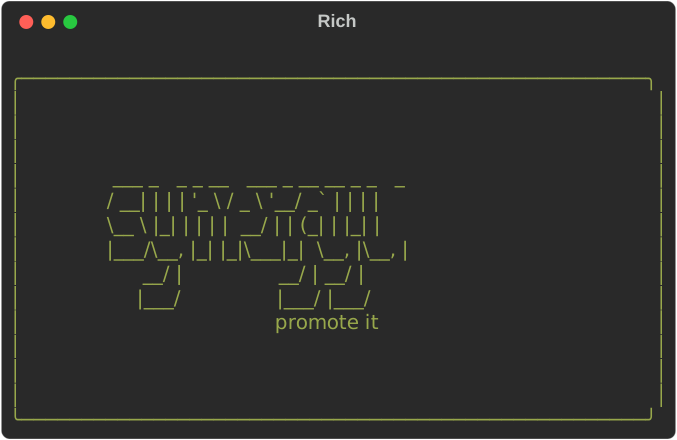
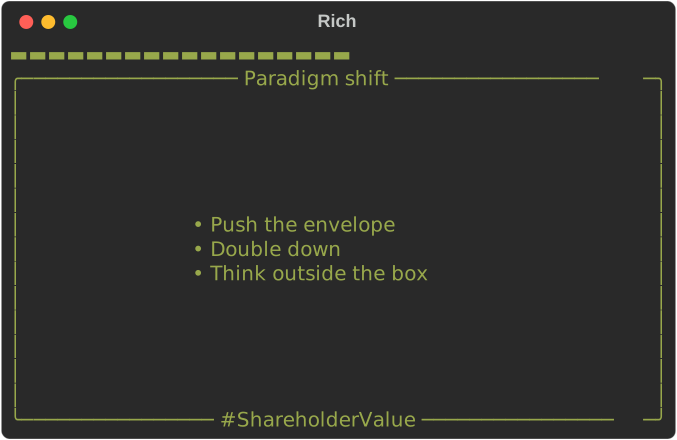
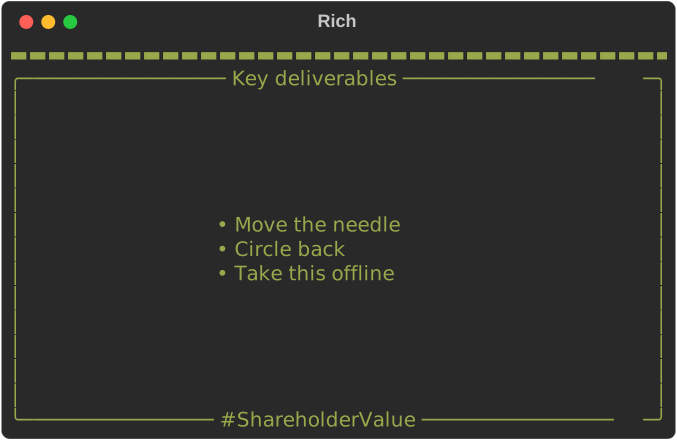
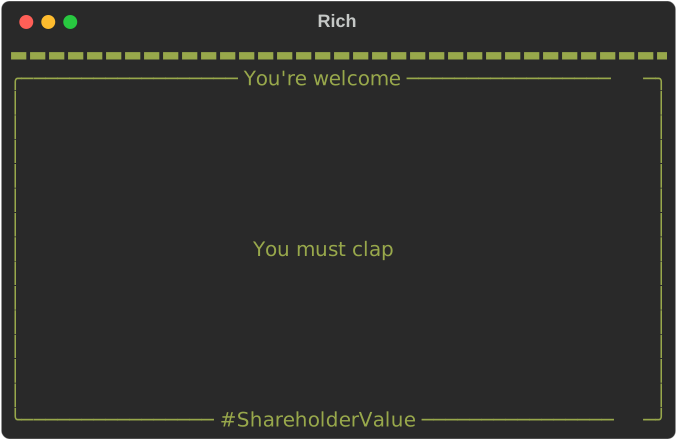
Then we create a dict of slides, passing lines of text and the slide title. In my example I created a title slide with some cool ASCII art and then a few slides with simple bullets.
Next are two important functions:
render_slide(), which clears the console, adds a progress bar at the top (oh yeah, did I mention there’s a progress bar?5) and then prints the slide content
on_press(), which uses the pynput library to accept keypresses (left- and right-arrows to move slides and Q to quit)
Then there are steps to run the presentation itself:
Start ‘listening’ to keyboard presses with keyboard.Listener().
Render the first slide (index = 0) with render_slide().
Move to the next slide with an arrow press (wrapping back to the start).
Exit the slides when a q happens (set running = FALSE and stop listening for keypresses).
The slideshow’s over
So, this thing I threw together does what I wanted it to do. Improvements are absolutely possible.
Of course, I haven’t made full use of rich’s rich colour and style control. rich also has a module that interprets Markdown input, which may be preferable to Panel() in some cases.
I know the script works on macOS but I haven’t tested it anywhere else. I suspect there may be better, platform independent approaches.
It’s also true that pressing the arrow keys will advance slides… even if the focus is away from the terminal. Ah well!
Anyway, if you want an actual fully-featured terminal-based tool, you could try something like Maas Lalani’s slides.
Next slide please!
Environment
Session info
[project]
name = "2025-08-30-jot-options"
version = "0.1.0"
requires-python = ">=3.12"
dependencies = []